Best Smart Security Cameras Without Subscription
Stop paying monthly fees to keep your home safe. Discover the top smart security cameras without subscription requirements. Our guide highlights the best cameras offering local video storage, clear HD resolution, and smart motion alerts so you can protect your property with zero hidden monthly costs
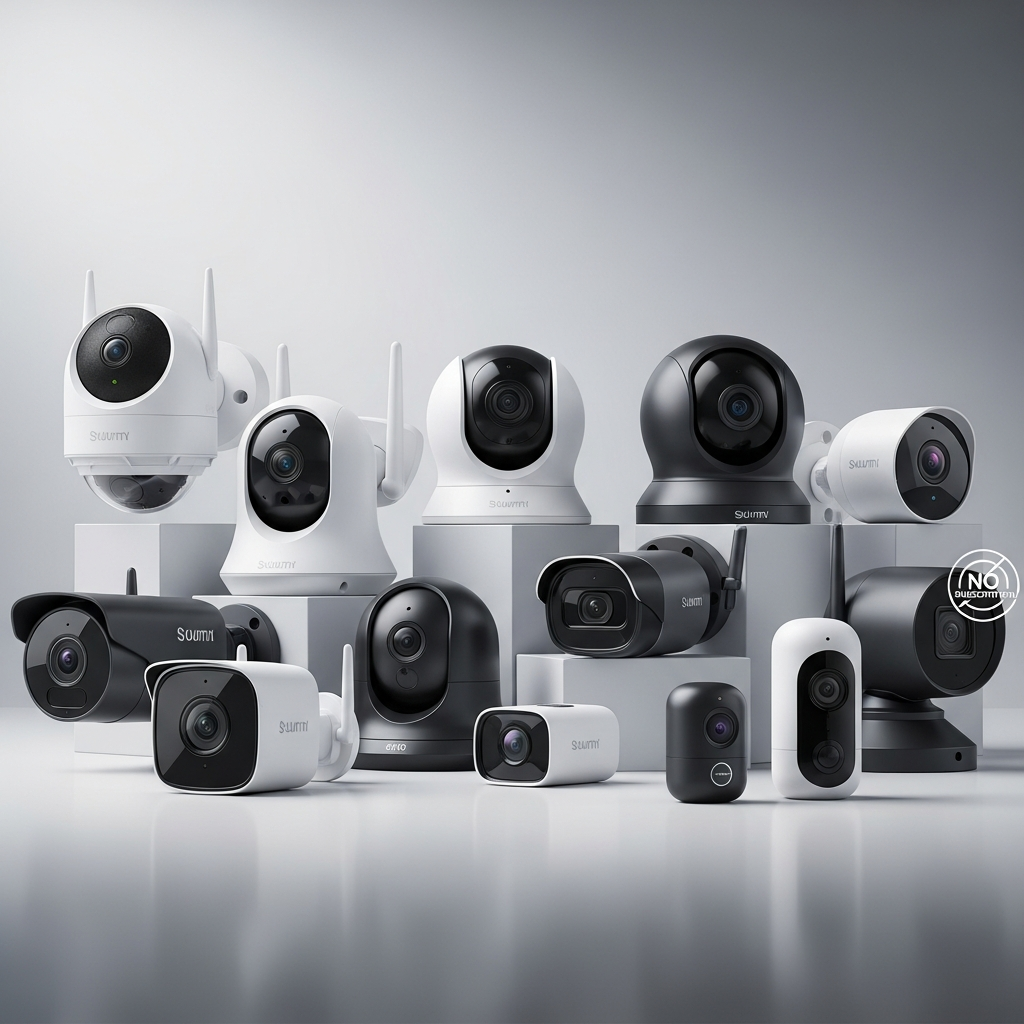
- Authoritative Guide Outline: The Best Smart Security Cameras Without Subscription for Indian Homes
- Section 1: Introduction – The True Cost of Security and the Subscription Trap
- Section 2: The "Indian Home" Buying Checklist – Essential Features
- Section 3: Top 3 Product Comparison (The Heavyweights)
- Section 4: Strategic Placement & Setup for Maximum Security
- Section 5: Maintenance, Future-Proofing, and Conclusion
Key Takeaways: * Avoid the subscription trap and save upwards of ₹10,000 over three years by switching to local-storage cameras. * Invest in cameras supporting 128GB to 256GB MicroSD capacity for an uninterrupted 14 to 30 days of continuous recording. * Look for Edge AI features built directly into the camera to enjoy smart human detection without monthly cloud fees. * Always pair your indoor cameras with a mini-UPS to bypass frequent Indian power cuts and ensure zero downtime.
Authoritative Guide Outline: The Best Smart Security Cameras Without Subscription for Indian Homes
Section 1: Introduction – The True Cost of Security and the Subscription Trap
1.1 The State of Home Security in India
The Indian home security landscape has completely transformed from clunky, wired DVR setups to sleek, Wi-Fi-enabled smart cameras. Homeowners no longer want technicians drilling holes in their walls for basic surveillance. Instead, plug-and-play wireless cameras are dominating the market.
Modern Indian use cases go far beyond simple burglar alarms. Today, we rely on these cameras to monitor domestic help, check in on elderly parents, and keep an eye on frequent Swiggy or Amazon package deliveries. Whether you are tracking daily chores or integrating surveillance with the Best Smart Pet Feeders: Top Automatic Dispensers for complete pet care, visibility is paramount.
1.2 The "Hidden Cost" of Cloud Subscriptions
Most global camera brands lure buyers in with heavily discounted hardware, only to trap them in a rigid monthly cloud subscription. Breaking down the math reveals a shocking reality for the value-conscious Indian buyer. A basic ₹3,000 camera can easily cost you over ₹10,000 over three years when forced into a ₹200 to ₹300 monthly cloud fee.
Beyond the financial drain, mandatory cloud storage raises severe privacy concerns. Keeping your intimate video data stored locally inside your home provides vastly superior peace of mind compared to hosting it on foreign cloud servers. You own your hardware, and you should own your data without paying a ransom for it.
1.3 The No-Subscription Solution (Edge AI & Local Storage)
The ultimate solution to this problem is relying on local storage via MicroSD cards or NAS (Network Attached Storage) drives. Many of the best modern cameras also support ONVIF compatibility, allowing you to route your camera feed directly to a private, localized hard drive.
Furthermore, modern cameras are now equipped with powerful Edge AI. This means the camera’s internal processor handles complex tasks like human detection and smart tracking. Because the processing happens on the device rather than the cloud, you get lightning-fast smart alerts entirely for free.
Section 2: The "Indian Home" Buying Checklist – Essential Features
2.1 Resilience Against Indian Weather & Infrastructure
The unique challenges of the Indian environment demand cameras built for ultimate resilience. Frequent power fluctuations and loadshedding are everyday realities across many cities. Therefore, it is critical to choose cameras that automatically reboot and reconnect seamlessly to your Wi-Fi after a power cut.
For outdoor deployment, surviving the Indian climate is the ultimate stress test. An IP65 or IP66 weatherproofing rating is absolutely non-negotiable for outdoor units. This ensures your camera will survive punishing monsoon downpours, extreme 45°C summer heat, and the high-dust environments of urban India.
2.2 Storage & Connectivity Protocols
Storage capacity dictates how far back in time you can review your footage. Support for high-capacity 128GB to 256GB MicroSD cards is essential. This massive capacity allows for 14 to 30 days of continuous video recording before the camera loops over old footage.
Connectivity is equally critical due to standard Indian construction methods. Because our homes feature thick brick and concrete walls, high-frequency Wi-Fi signals often fail to penetrate. You must ensure your camera supports strong 2.4GHz Wi-Fi bands, which excel at passing through thick physical barriers to maintain a stable connection.
2.3 Free "Smart" Features You Must Demand
Never settle for basic video feeds when modern cameras offer premium smart features out of the box. High-decibel two-way audio speakers are a necessity to cut through ambient street noise like traffic or hawkers. This allows you to communicate clearly with delivery agents directly from your phone.
Visibility in the dark makes or breaks a security system. Demand Color Night Vision rather than standard Infrared (IR) for unlit apartment corridors or the dark perimeters of an independent house. Finally, look for built-in active deterrents like siren and light alarms to actively scare off intruders or stray animals before they enter your property.
Section 3: Top 3 Product Comparison (The Heavyweights)
3.1 TP-Link Tapo C210 / C320WS (The All-Rounder Champion)
The TP-Link Tapo series stands as the undisputed champion for overall value and rock-solid reliability in the Indian market. Offering a crisp 3MP/2K resolution, these cameras deliver stunningly clear video for both indoor and outdoor applications.
The true "No-Subscription" edge here is Tapo's generous ecosystem. The highly responsive Tapo App gives you completely free basic AI, including person detection and custom motion zones, alongside seamless local playback.
- Pros: Supports up to 256GB SD cards, excellent app UI, and totally free smart alerts.
- Cons: The outdoor models (C320WS) require a nearby power socket which can complicate installation.
- Buy TP-Link Tapo C210 | Buy TP-Link Tapo C320WS
3.2 Xiaomi Mi 360° Home Security Camera 2K (The Apartment Favorite)
Perfect for apartment dwellers monitoring kids, pets, or domestic help, the Xiaomi Mi 360° is a masterclass in smart home integration. It boasts an impressive F1.4 large aperture lens that pulls in massive amounts of light for superior low-light performance.
Its standout feature is the physical 360-degree pan-tilt-zoom (PTZ), allowing you to sweep an entire living room from your smartphone. Even without a subscription, Xiaomi generously offers a free 7-day rolling cloud storage for brief 10-second motion-triggered clips, acting as an emergency backup if the camera is stolen.
- Pros: Seamless Alexa/Google voice integration, incredible low-light optics, and emergency free cloud backup.
- Cons: Occasional app server lag during peak hours.
- Buy Xiaomi Mi 360 Home Security Camera 2K
3.3 Qubo Smart Cam 360 by Hero Group (The "Make in India" Data-Secure Choice)
For the highly privacy-conscious Indian buyer, Qubo offers a brilliant homegrown alternative. Backed by the Hero Group, this camera routes all its data through local Indian servers, ensuring zero data leakage to foreign entities.
Delivering sharp 1080p FHD video and an integrated intruder alarm system, it is built specifically for Indian security needs. The localized servers also guarantee incredibly low latency on app streaming, and they do not paywall essential security alerts.
- Pros: Local Indian data servers, rapid customer support, and robust free-tier features.
- Cons: Max resolution is capped at 1080p, slightly lower than its 2K competitors.
- Buy Qubo Smart Cam 360
3.4 At-a-Glance Comparison Matrix
| Camera Model | Price Bracket (₹) | Max Local Storage | Best Indian Use-Case | Warranty / Support |
|---|---|---|---|---|
| TP-Link Tapo C210 | ₹2,000 - ₹2,500 | 256 GB | Mixed Indoor/Outdoor Value | 1 Year / Global Standard |
| Xiaomi Mi 360° 2K | ₹2,800 - ₹3,300 | 64 GB | Apartment Living Rooms | 1 Year / Extensive Local |
| Qubo Smart Cam 360 | ₹2,500 - ₹2,900 | 1TB (via Cloud/SD combo) | Privacy-First Indian Homes | 1 Year / Premium Local |
Section 4: Strategic Placement & Setup for Maximum Security
4.1 High-Value Zones in Indian Homes
Placing your cameras correctly is just as important as the hardware you buy. In apartments, focus on the main entrance facing the lift or stairs, ensuring you draw digital "motion zones" to avoid triggering alerts every time a neighbor walks by. Balconies are also highly vulnerable entry points; pairing camera surveillance here with Motorized Curtain Tracks India | Smart Homes creates a formidable physical and digital barrier.
For independent villas or houses, prioritize the main gate to capture license plates and faces clearly. You must also secure terrace access doors and the perimeter of your compound walls. High, out-of-reach angles are best to prevent tampering while offering maximum field of view.
4.2 Bypassing the Wi-Fi and Power Hurdles
A smart camera is useless if it loses power or internet connectivity. Always place cameras well within your router's range, or deploy affordable Wi-Fi extenders in dead zones.
Pro-Tip: Plug your indoor security cameras into a 12V mini-UPS device—the same kind used for Wi-Fi routers. This simple ₹1,000 to ₹1,500 upgrade ensures uninterrupted video recording and internet streaming even during extended neighborhood power cuts.
4.3 The Ethics and Privacy Protocol
When monitoring domestic help, strict ethical guidelines must be observed. Cameras should be restricted to high-traffic common areas like kitchens and living rooms, and strictly kept out of private quarters or bathrooms.
Digital privacy requires your immediate attention during setup. Always change the default manufacturer passwords before bringing the camera online. Furthermore, immediately enable two-factor authentication (2FA) on your camera’s companion app to make it virtually impossible for hackers to access your feed.
Section 5: Maintenance, Future-Proofing, and Conclusion
5.1 Long-Term Maintenance for SD Card Cameras
Local storage is phenomenal, but standard MicroSD cards will quickly suffer from "SD Card Burnout" under the strain of 24/7 video overwriting. You must explicitly purchase "High Endurance" MicroSD cards that are specifically engineered for constant writing in dashcams and CCTV setups.
A simple 6-month maintenance routine will significantly extend the life of your security system. Every six months, format the SD card directly via the smartphone app to prevent sector corruption and data loss. Simultaneously, physically wipe down the camera lenses with a microfiber cloth to remove the inevitable buildup of urban dust and grime.
5.2 Future-Proofing Your Smart Home Ecosystem
Your security cameras should not exist in isolation. Ensure the camera brand you select plays well with your existing smart home tech, such as an Amazon Echo Show or Google Nest Hub, allowing you to pull up live feeds using just your voice.
As you build out your automated home, standard protocols matter immensely. Ensuring device compatibility now will save you headaches later, much like taking the time to Compare the Best Smart Thermostats (2024) to unify your climate control with your overall ecosystem. Look for brands committed to universal standards like Matter for guaranteed long-term compatibility.
5.3 Final Verdict
Premium, uncompromising home security does not have to come with a lifelong monthly EMI. By choosing robust, local-storage smart cameras, Indian homeowners can secure their properties, protect their data privacy, and keep their hard-earned money.
Take a walk through your home today and assess your most vulnerable entry points and high-traffic zones. Count exactly how many indoor and outdoor cameras you need, invest in High Endurance SD cards, and take complete, subscription-free control of your home’s security.
Conclusion
Securing your home shouldn't mean getting locked into a never-ending cycle of monthly fees. The best smart security cameras without subscriptions prove that you can get top-tier features—like 4K resolution, AI-powered motion detection, color night vision, and two-way audio—while maintaining complete control over your data. By relying on local storage solutions like microSD cards or secure home hubs, you not only eliminate hidden costs but also enhance your digital privacy by keeping your footage off remote cloud servers. Whether you are looking for a robust outdoor spotlight camera or a discreet indoor monitor, making a one-time purchase on a subscription-free system is an investment that protects both your property and your wallet. Evaluate your coverage needs, pick a reliable brand, and enjoy true peace of mind without the monthly bill.
Frequently Asked Questions
Do smart security cameras work without a subscription?
Yes, many smart security cameras work perfectly without a subscription. Instead of saving footage to a paid cloud server, these cameras use local storage options like built-in memory, microSD cards, USB drives, or local base stations to store video clips. Even without a subscription, you can still access live feeds, receive real-time motion alerts, and view recorded footage through the camera's free smartphone app.
Are security cameras with local storage safe?
Security cameras with local storage are highly secure and often offer better privacy than cloud-based alternatives. Because your video files are stored physically inside your home network rather than on a remote company server, they are practically immune to large-scale cloud data breaches. The main risk is physical theft; if a burglar steals the camera, the SD card goes with it. To mitigate this, many homeowners use hidden local hubs or a Network Attached Storage (NAS) drive to back up the footage safely inside the house.
What happens when the SD card on my security camera gets full?
When the local storage on an SD card gets full, most subscription-free security cameras will automatically begin "loop recording." This means the system will seamlessly overwrite the oldest video files with the newest ones, ensuring your camera never stops recording. To prevent losing important footage before you have a chance to save it, it is recommended to use a high-capacity SD card and regularly download critical clips directly to your smartphone or computer.